Encryption Wire
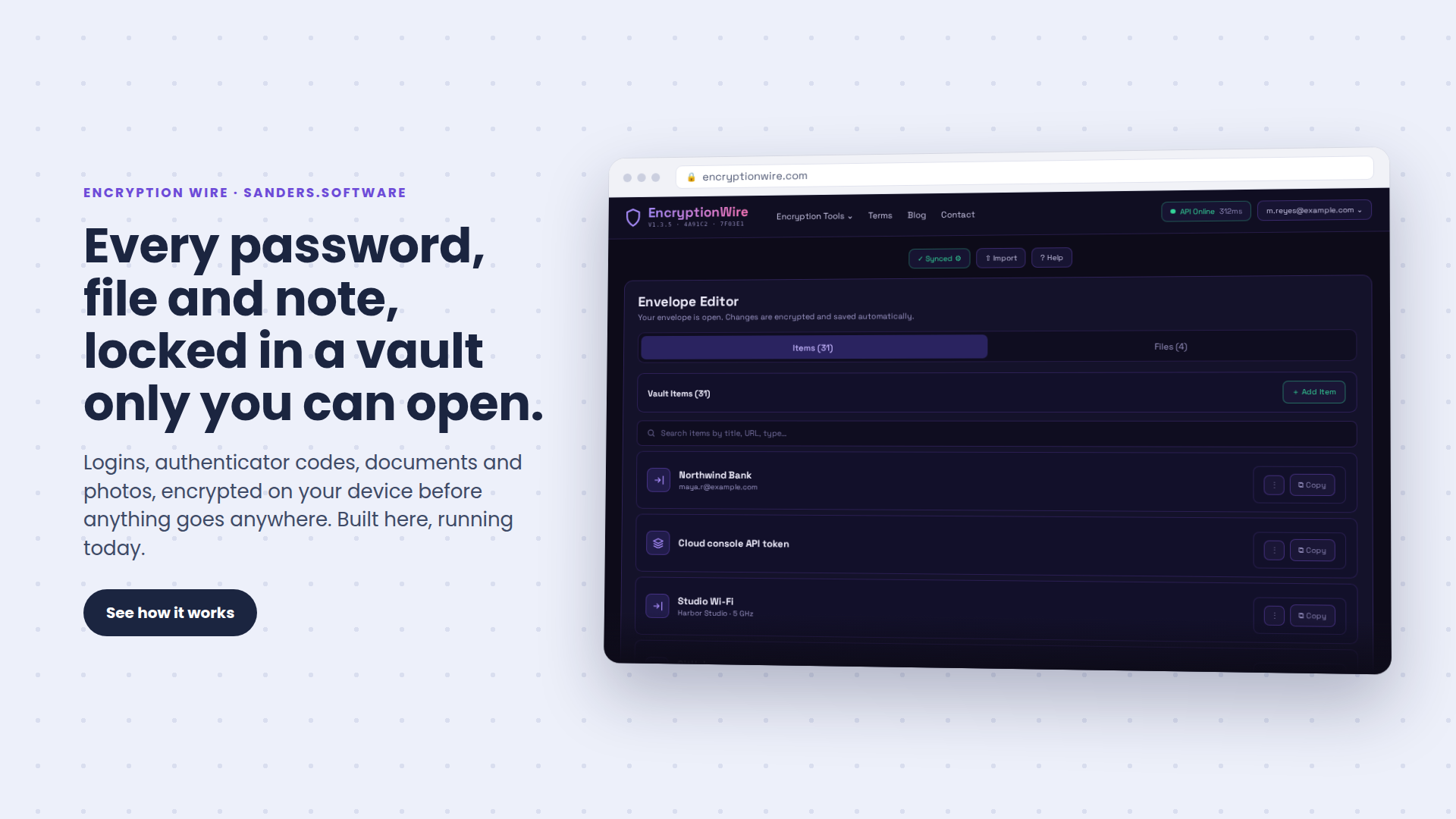
Every password, file and note you care about, locked in a vault only you can open. Reach it from any device, and share what you choose by cloud or email, sealed so only the person you picked can open it.
What Encryption Wire is
Stop keeping passwords in a notes app. Stop emailing files you would hate to see forwarded. Encryption Wire gives you envelopes, private vaults that hold your logins, authenticator codes, recovery codes, card details, documents and photos, all locked behind one master password. Already using your browser's password manager? Import everything from Chrome or Google in one go.
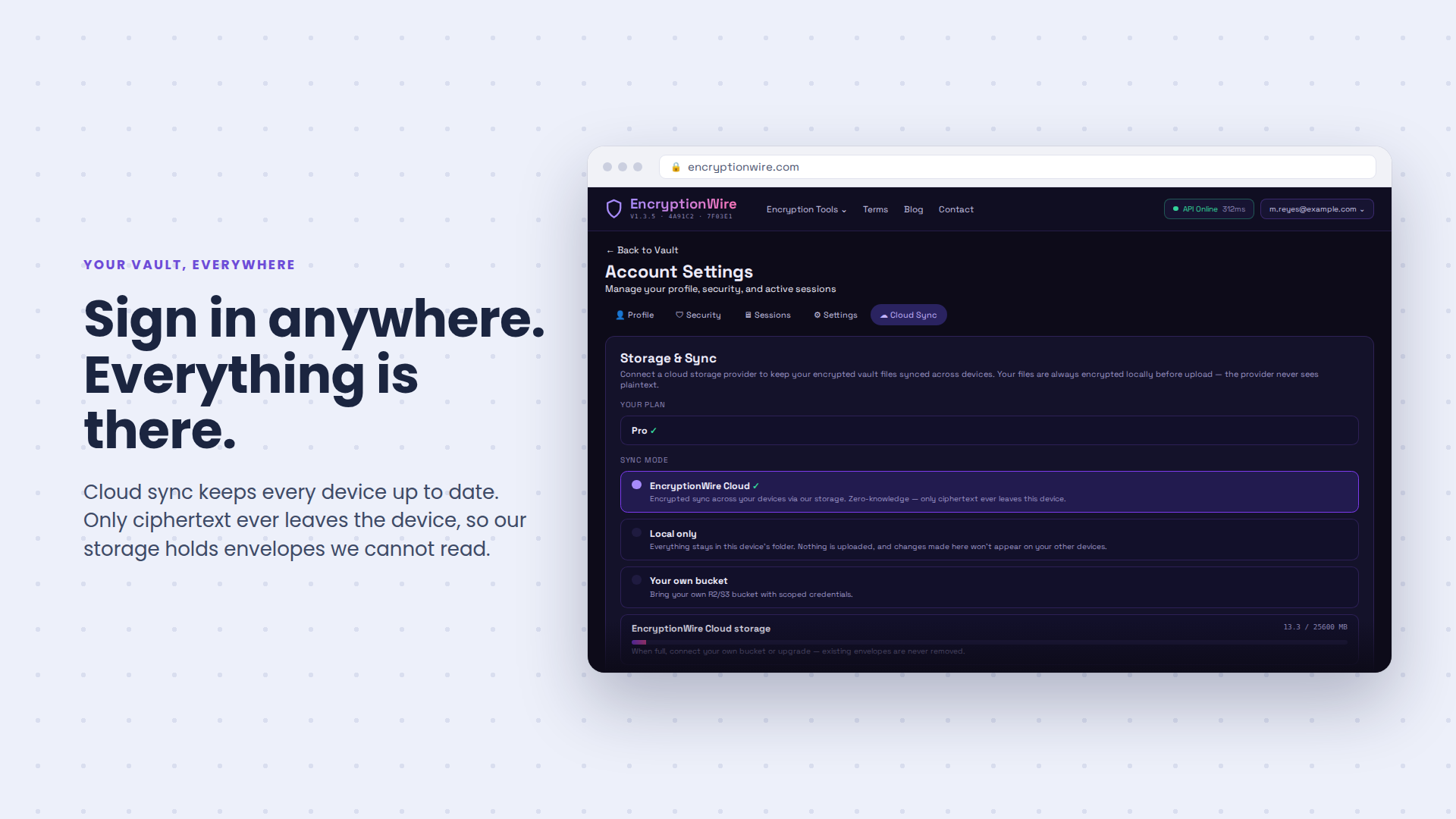
Your vault travels with you. Sign in on your laptop, your phone, or a browser you have never used before, and everything is there and up to date. Install it like an app and it keeps working even when your connection does not.
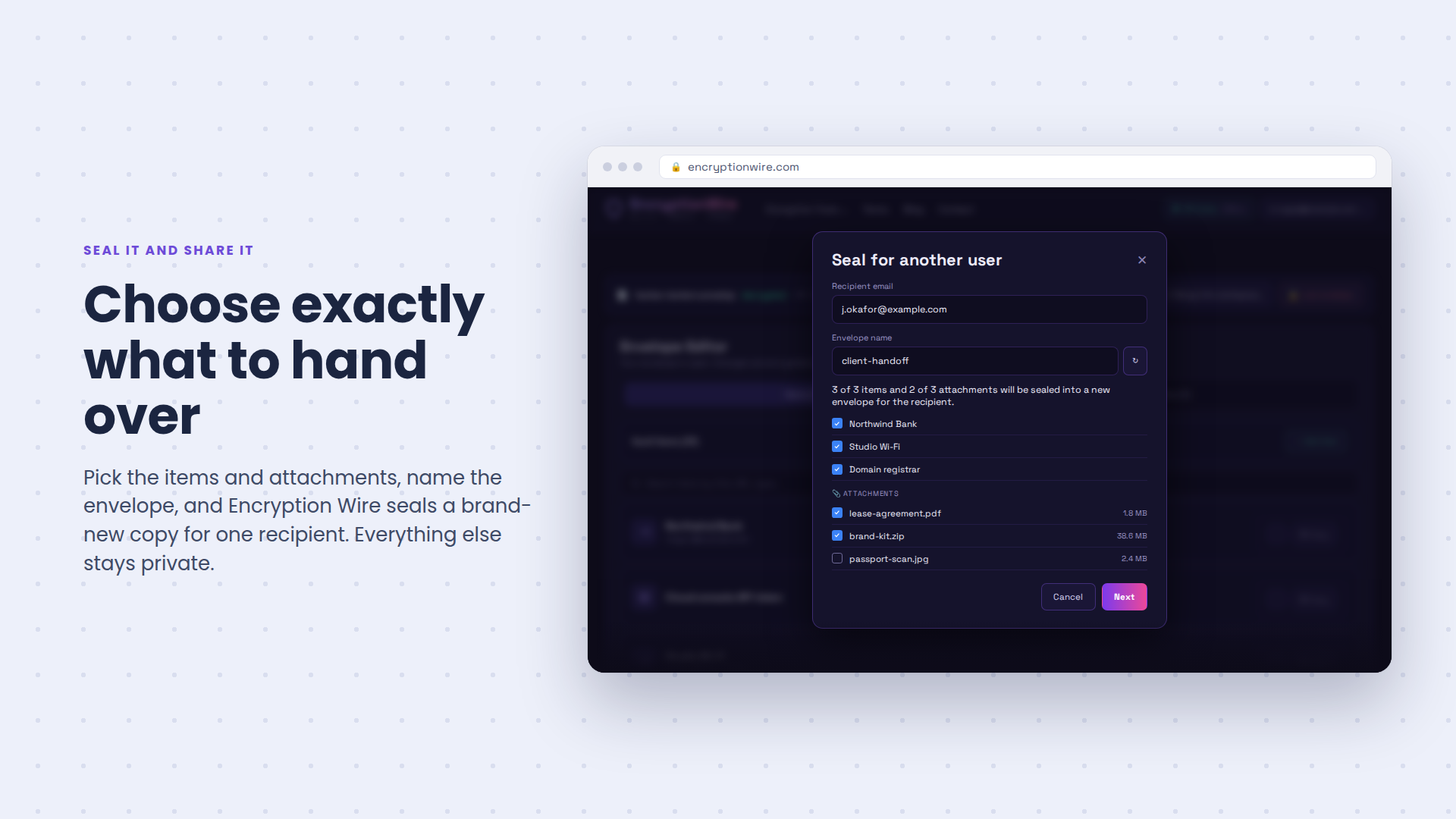
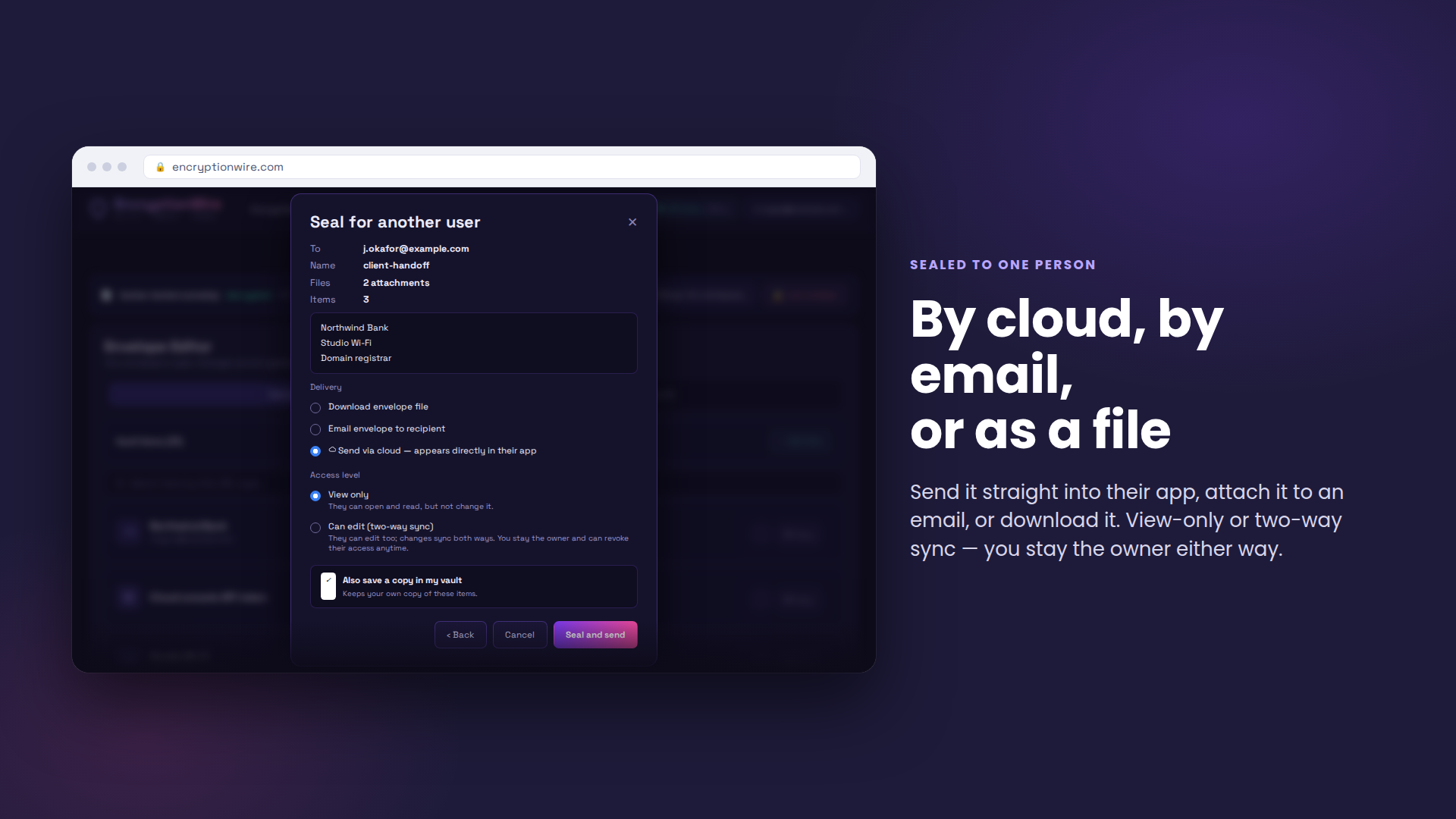
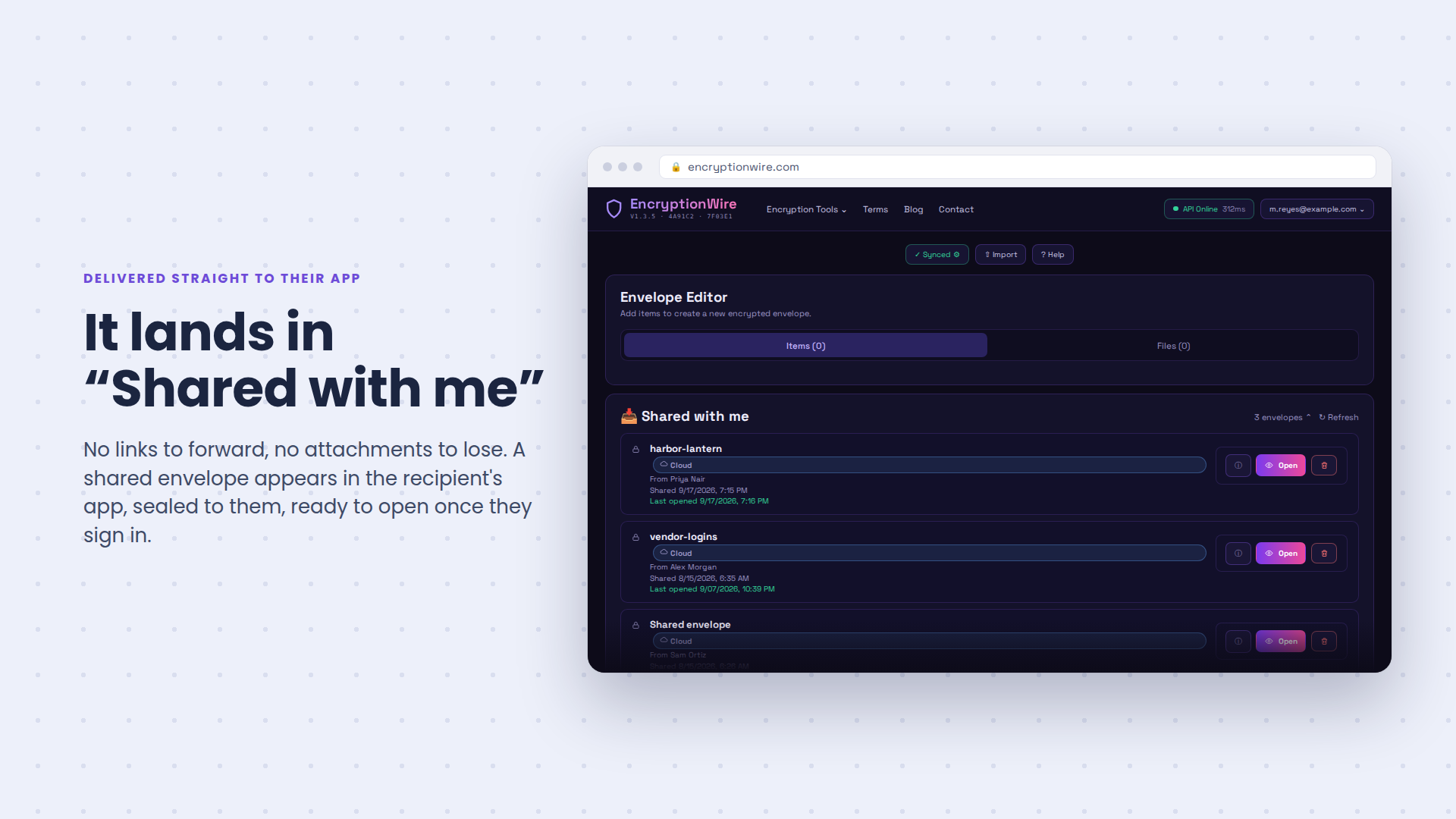
When you need to hand something over, seal it and send it. Share a whole envelope through the cloud, or send a single password straight to someone by email. It opens for the person you chose and for nobody else. You can see the moment they open it, keep your own copy, and take their access away whenever you want.
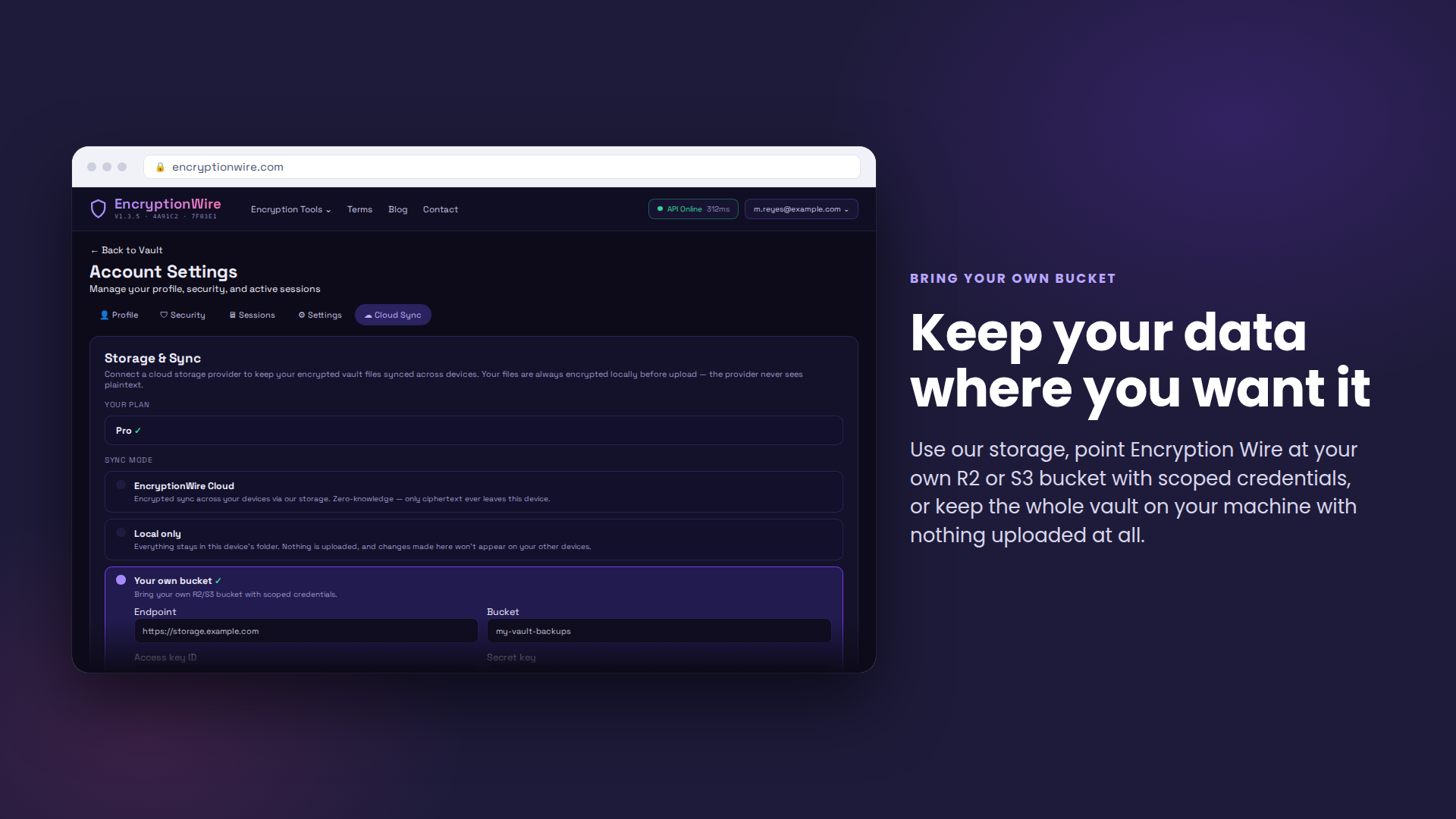
Keep your data where you want it. Use our storage, point Encryption Wire at your own cloud bucket, or keep the whole vault on your machine with nothing uploaded at all.
What you get
One place for everything you would hate to lose, and a safe way to hand any of it over.
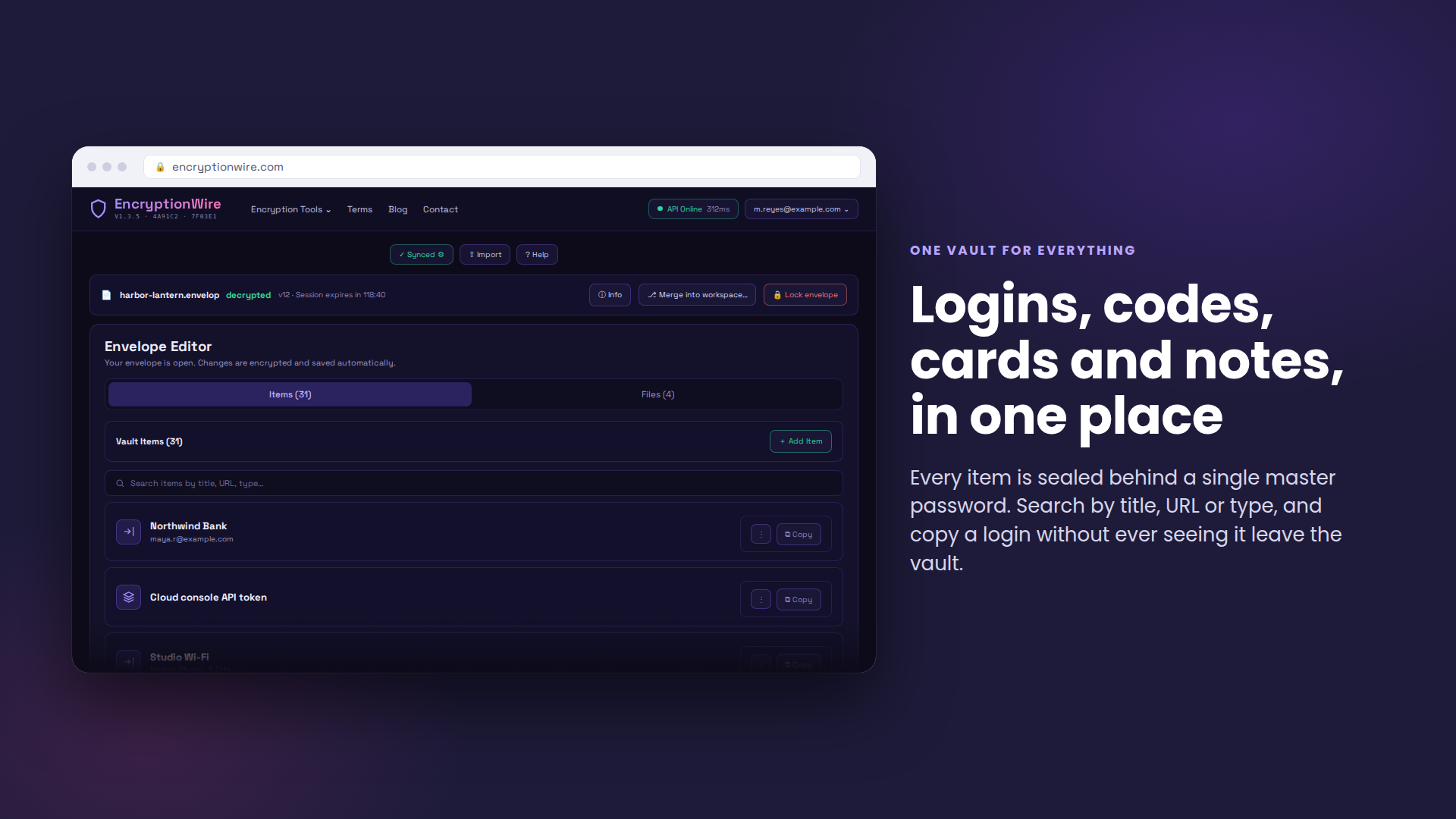
One vault for everything
Logins, authenticator codes, recovery codes, secure notes, documents and photos, all in one place behind one password.
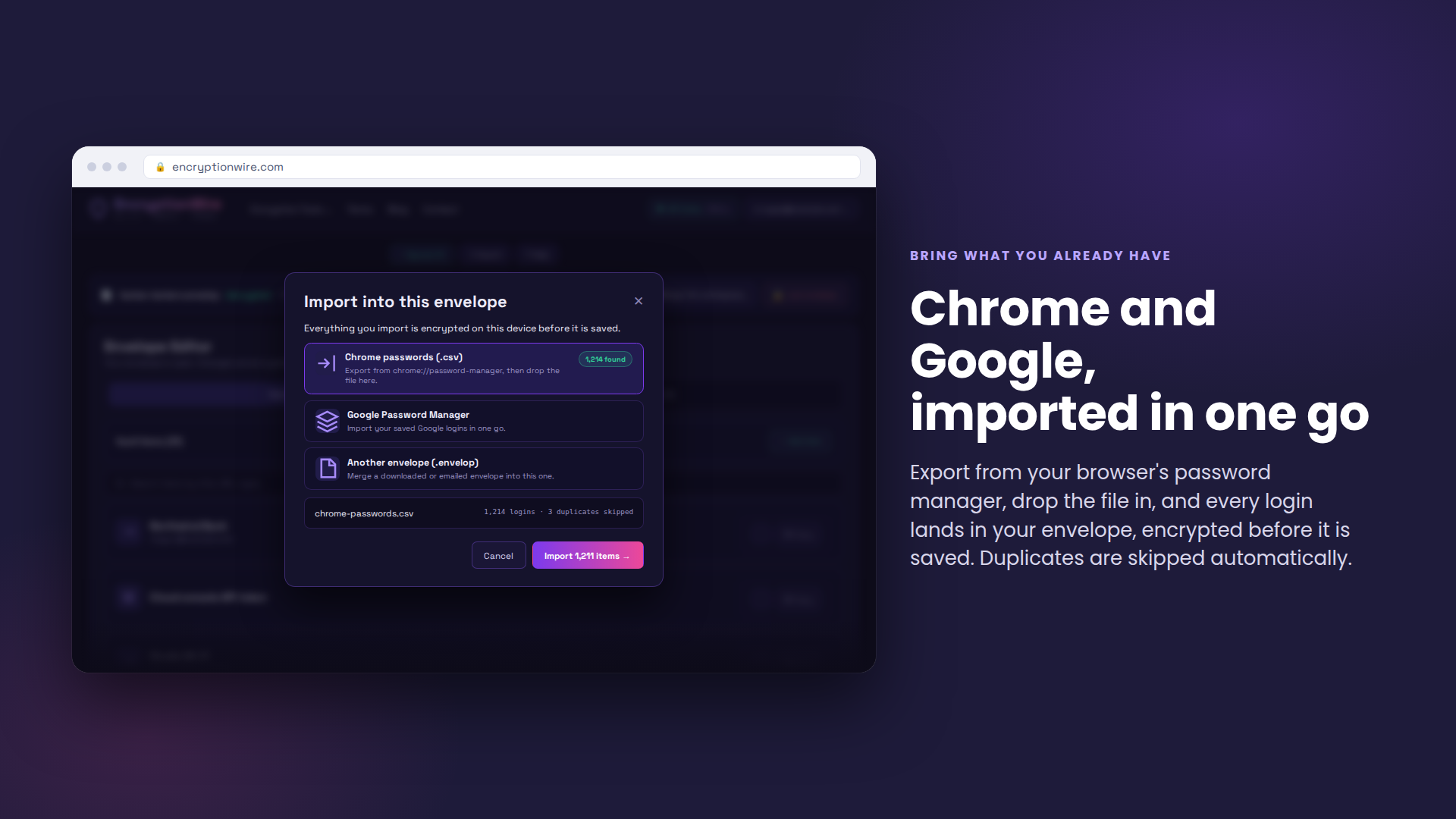
Bring what you already have
Import your saved logins straight from Chrome or your Google account in one go, instead of retyping years of passwords.
Your vault, everywhere
Cloud sync keeps every device up to date. Sign in from anywhere and your passwords are waiting for you, online or off.
Seal it and share it
Send a whole envelope by cloud or a single password by email. It is sealed to the person you choose, so a forwarded copy gets anyone else nowhere.
Stay in control after you send
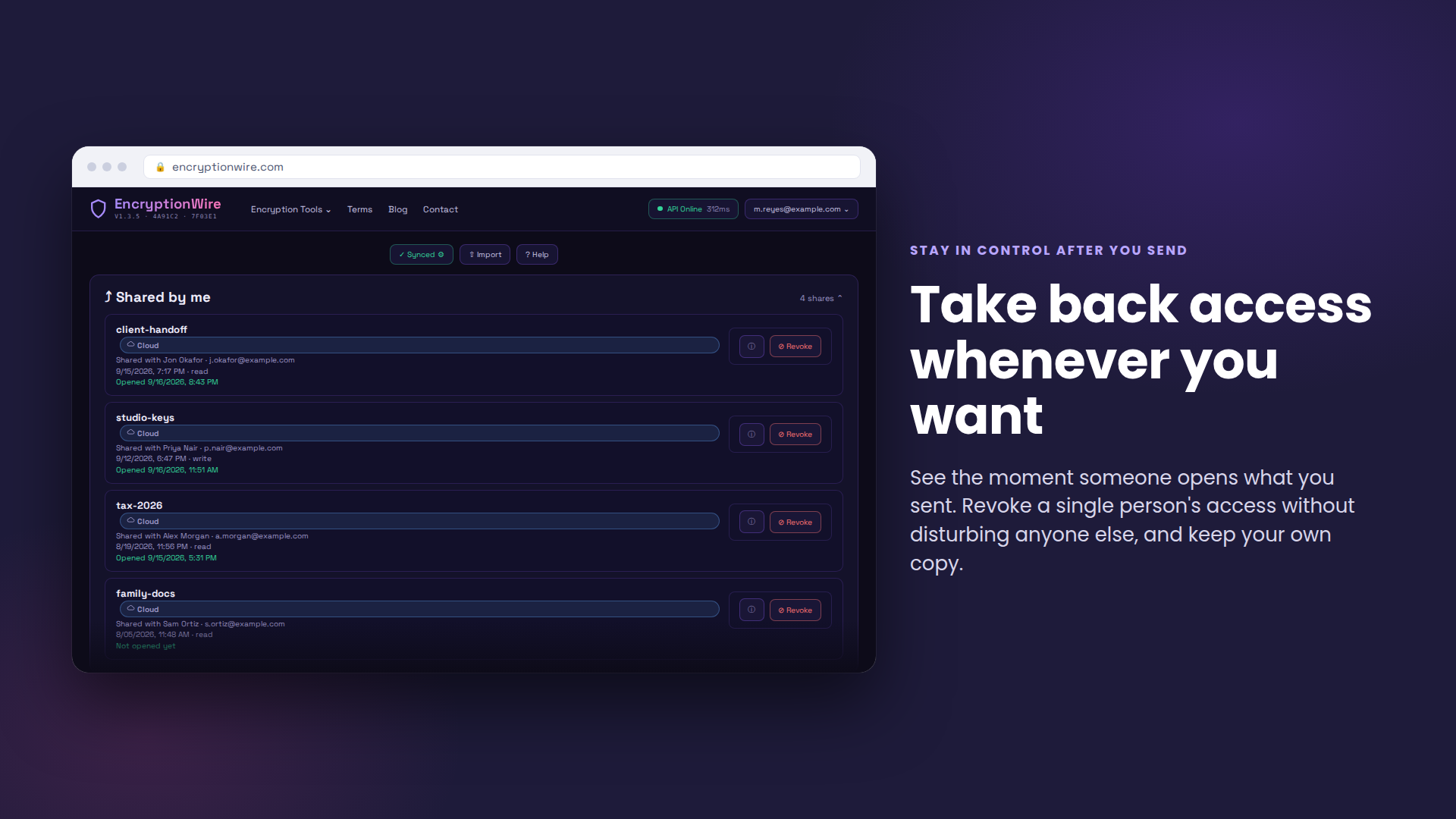
See the moment someone opens what you sent, keep your own copy, and take one person's access away without disturbing anyone else.
Bring your own bucket
Use our storage, connect your own cloud bucket, or keep the vault entirely on your machine. Your data, your address.
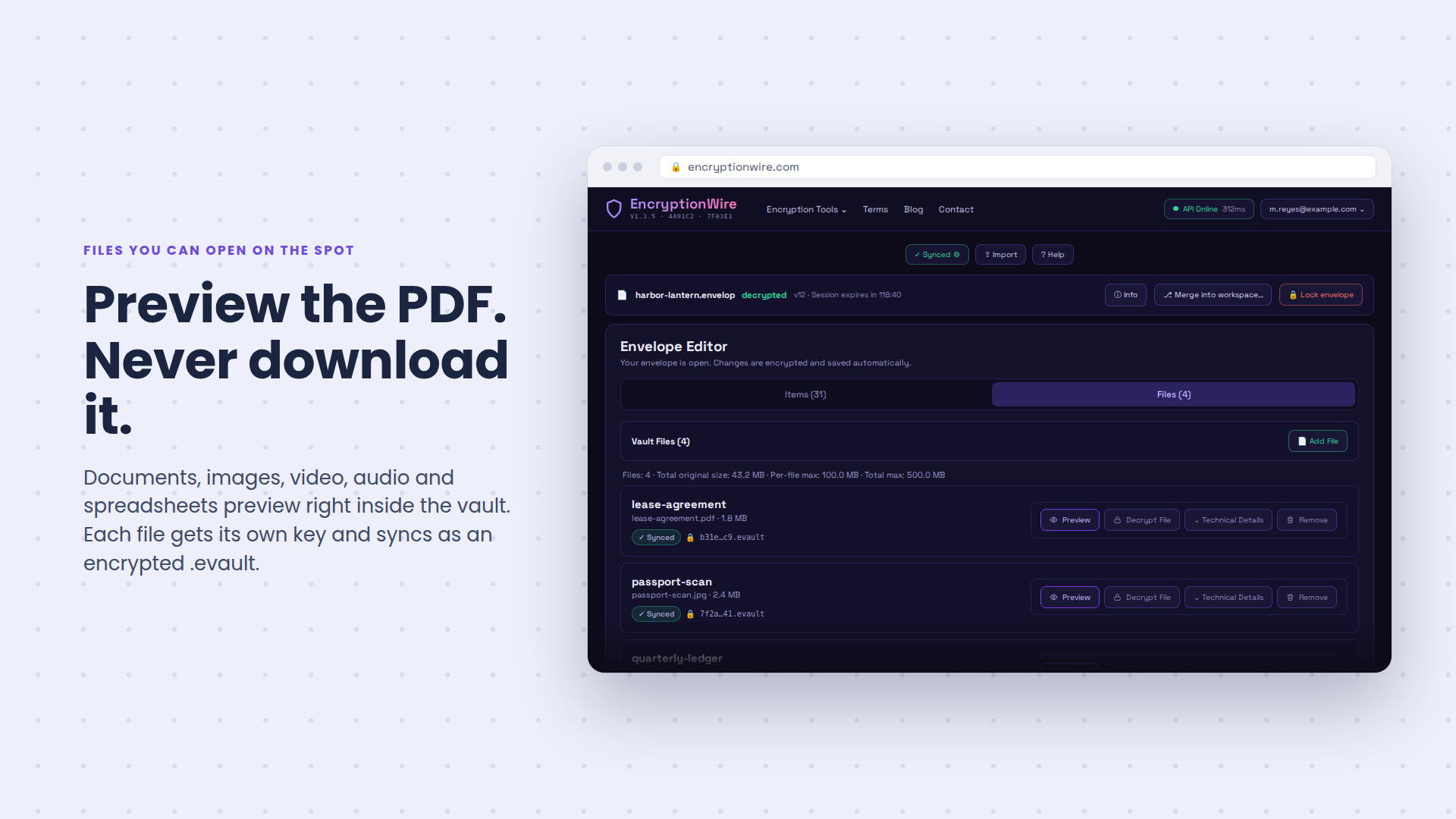
Files you can open on the spot
Documents, images, video, audio, PDFs and spreadsheets preview right inside the vault, so you never download to take a look.
Strong passwords on tap
Generate a strong password for any account without leaving the vault, and it is saved the moment you make it.
Compare and merge
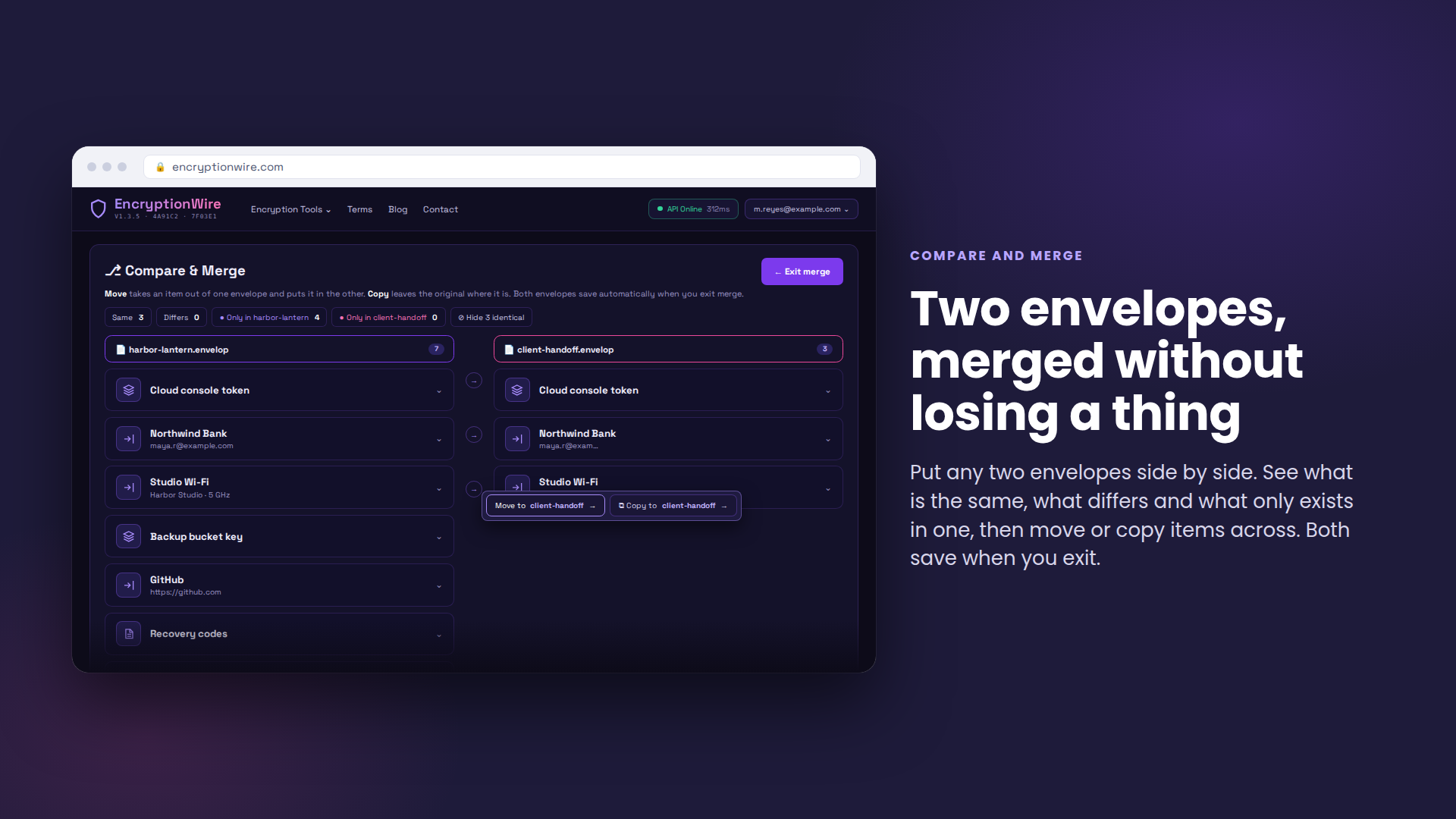
Put two envelopes side by side, see what is the same, what differs and what only exists in one, then move or copy items across.
How it works
Three steps, and the third one is the reason people switch.
-
1
Make a vault
Pick a master password. It never leaves your device, so nobody at our end can see it, reset it, or hand it to anyone who asks.
-
2
Fill it
Import your saved logins from Chrome or Google in one go, then add notes, cards, documents and authenticator codes as you go.
-
3
Seal it and share it
Send a whole envelope by cloud or a single password by email, sealed to one person. See when they open it, and take their access away whenever you want.
Why it stays private
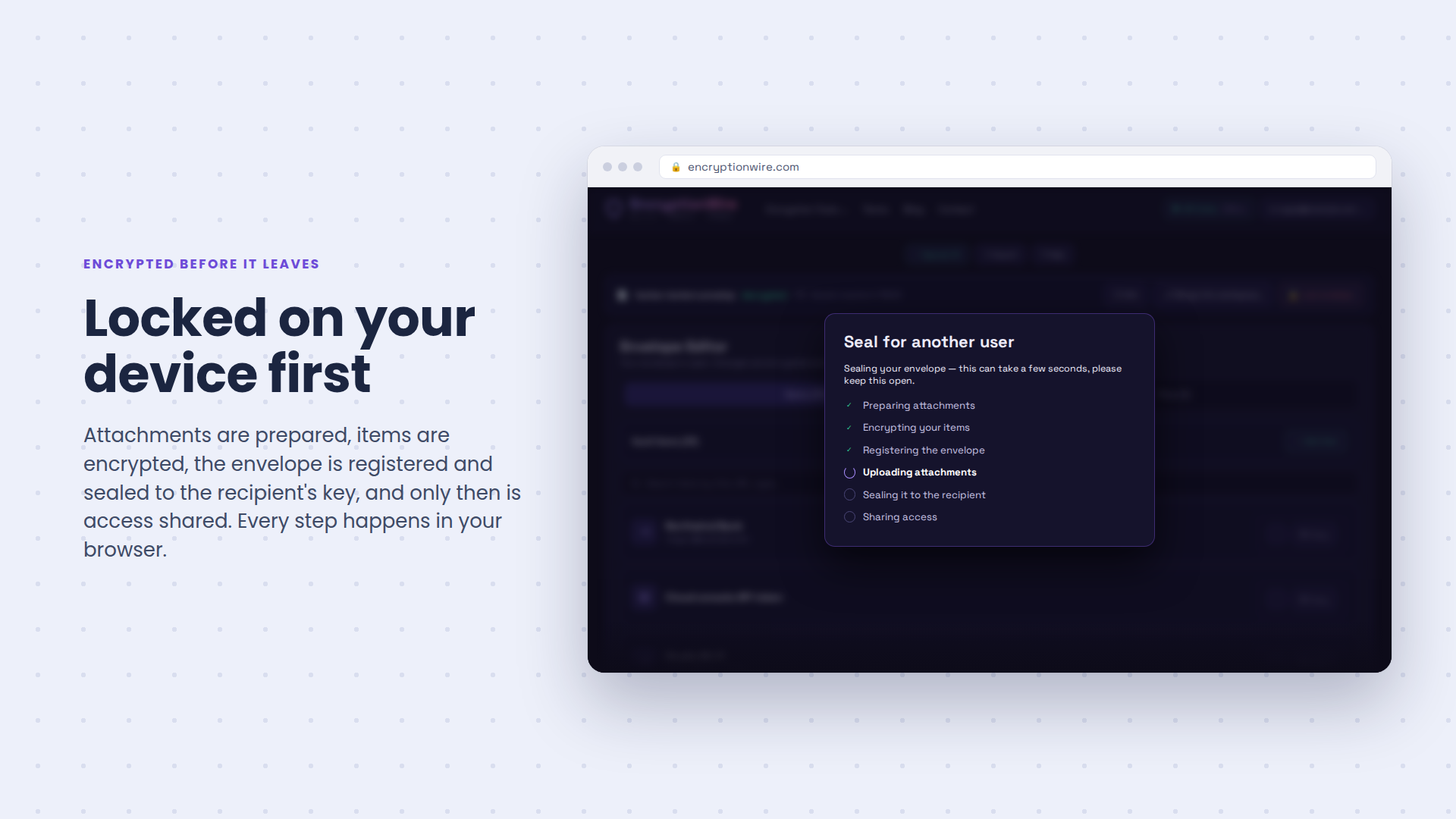
Everything is locked on your device before it goes anywhere. What reaches our servers is scrambled, and the key never leaves you. That is why we cannot read your vault, and why we can never reset your master password for you.
When you share, the contents are re-sealed for the person you picked. Whatever is sitting in the cloud or in their inbox is useless to anyone else who gets hold of it.
- Locked on your device every time, before anything is uploaded
- Your master password never leaves you, and we never see it
- Change your master password and the vault re-seals itself; your envelopes and recovery code stay exactly as they are
- Shared items are sealed to a person, not to a link anyone can use
- Take back one person's access without touching anyone else
- A searchable history of who opened what, and when
- A PIN gate before any vault decrypts on an unattended device
- Lost a device? One click rotates your vault key and signs every other session out
The specifics
- Vault contents are sealed with AES-256-GCM on your device before anything is uploaded.
- Every item carries its own key, wrapped by your vault key on your device, so sharing one login never exposes the rest of the vault.
- A share is wrapped to the recipient's X25519 public key, so a copy sitting in cloud storage or an inbox is useless to anyone else who finds it.
- Envelopes carry an Ed25519 signature, so anything altered in transit or at rest does not verify.
- Decrypted envelope data is cleared by an auto-clear timer you set (5 minutes to 24 hours).
See it
Encryption Wire in use.
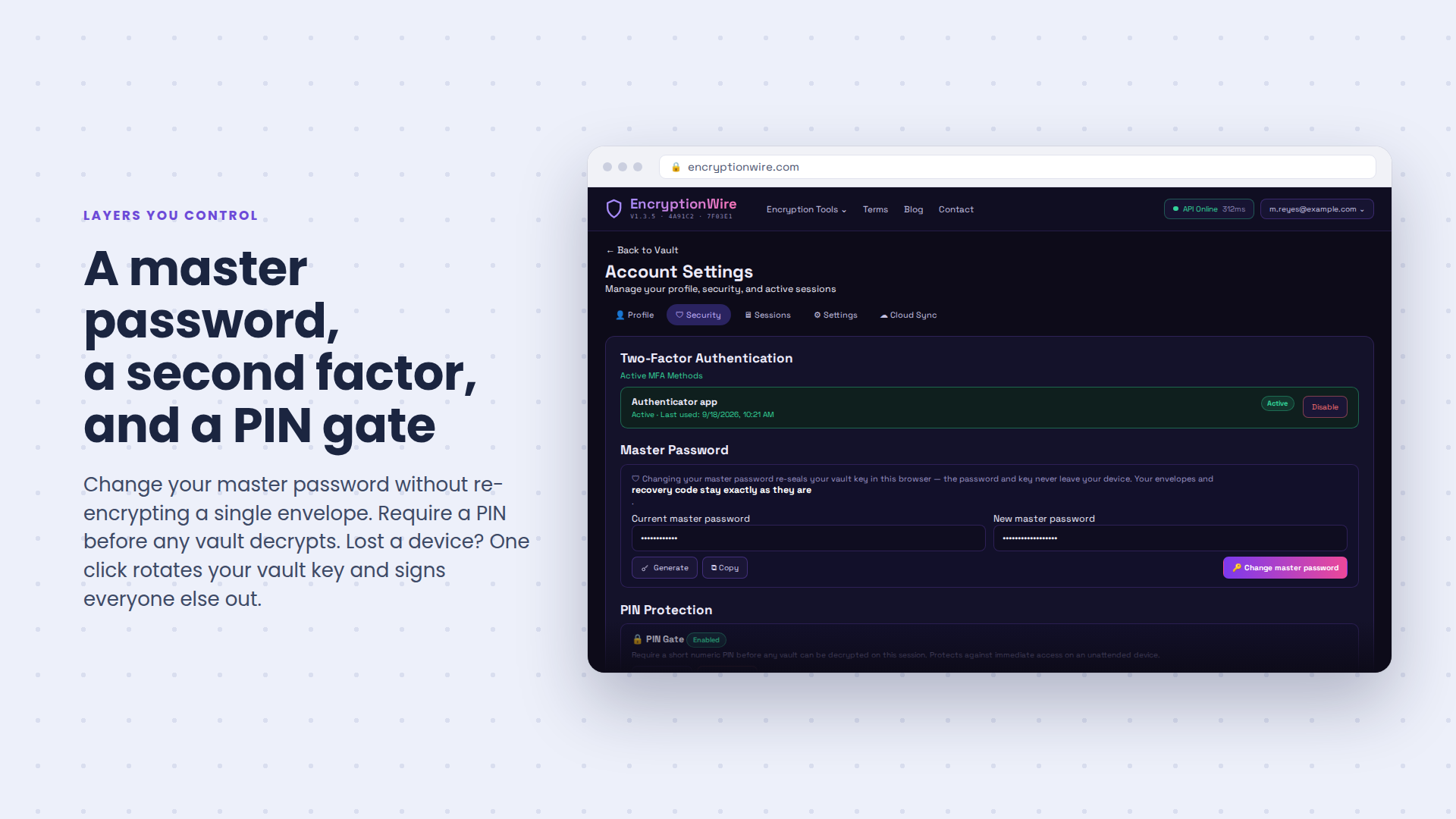
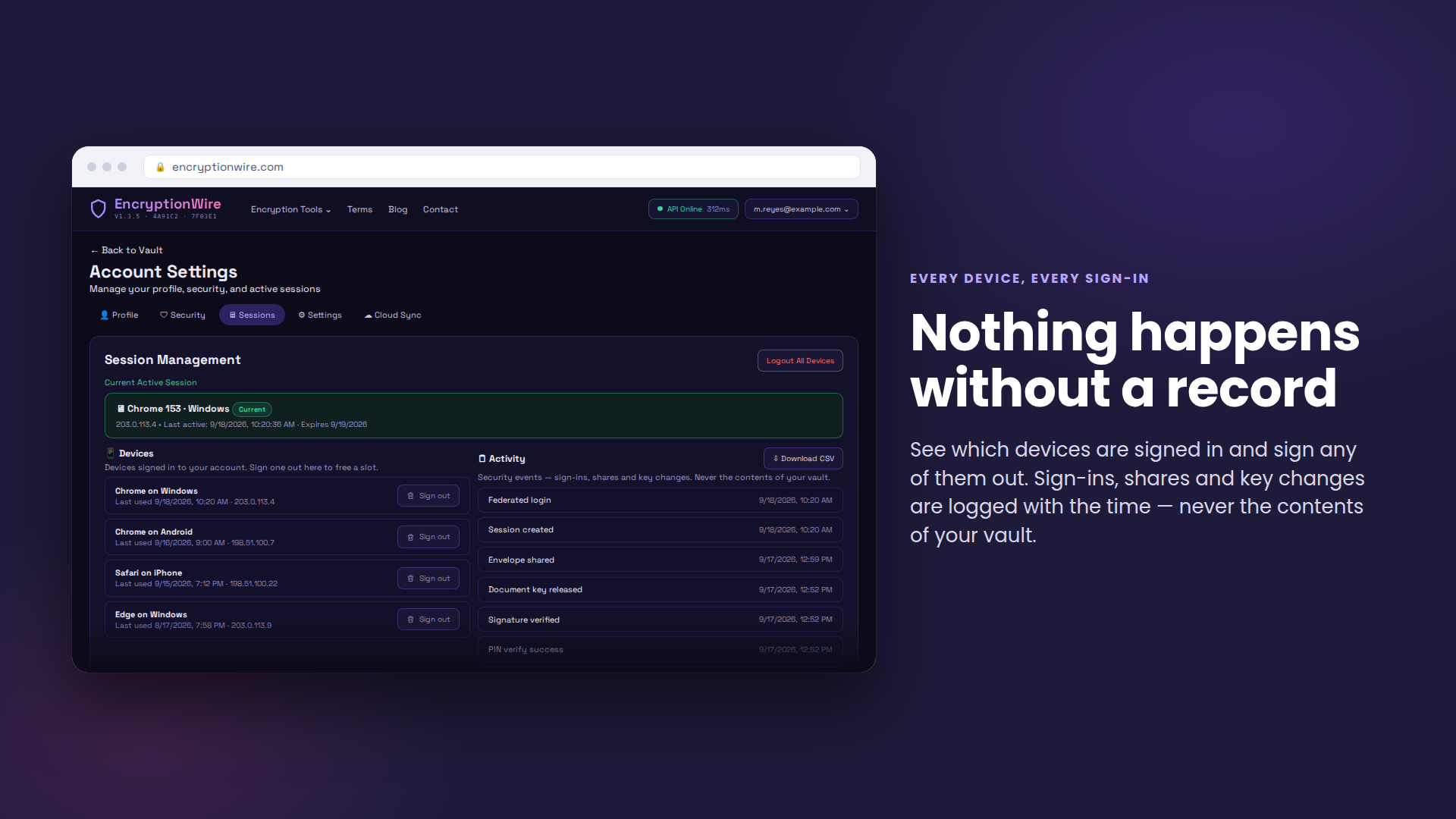
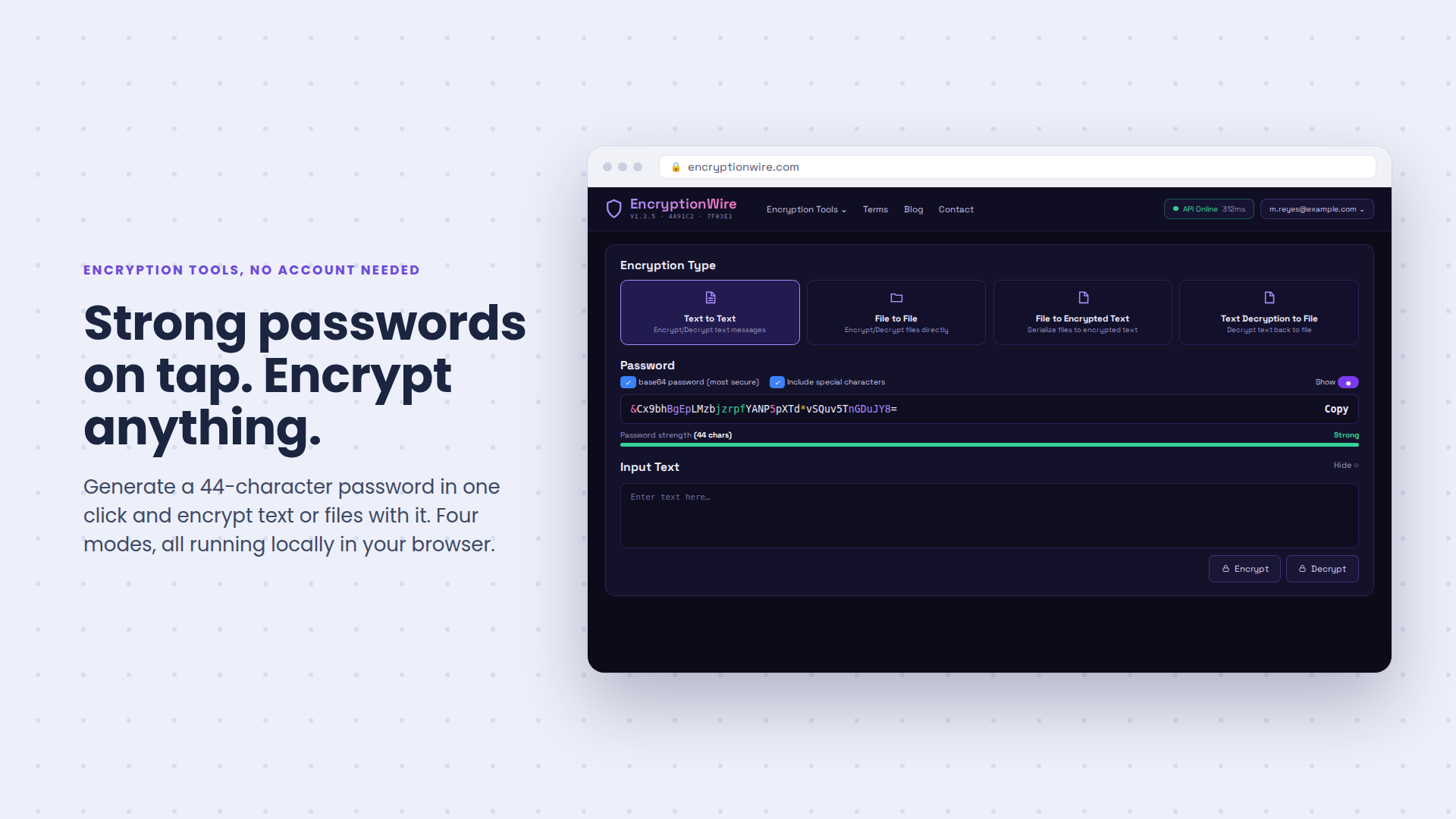
Every password, file and note, locked in a vault only you can open.
Questions
The things people ask before they commit.
What happens if I forget my master password?
We can't reset it, because we never have it. When you make your vault you get a recovery code; keep it somewhere safe and it will unlock the vault if you lose the password. Changing your master password later does not change the recovery code.
Which browsers and devices work?
Any modern browser on desktop or mobile. Install it as an app from the browser and it keeps working offline; your changes sync the next time you are connected.
Can you read my vault?
No. Everything is encrypted on your device before it is uploaded, and your master password never leaves you. What sits on our servers is ciphertext we cannot open.
Do I have to keep my data on your servers?
No. Pick "Your own bucket" and point Encryption Wire at your own R2 or S3 storage with scoped credentials, or pick "Local only" and nothing is uploaded at all.
Can I take back something I already shared?
Yes. Every share you have made is listed with who has it and when they last opened it. Revoke one person and their copy stops working; nobody else is affected and your own copy stays.
Can the person I share with edit it?
That's up to you. "View only" lets them open and read. "Can edit" syncs changes both ways while you stay the owner and can revoke at any time.
What does it cost?
Plans are not open for purchase yet; subscriptions are coming. Try the app at encryptionwire.com in the meantime, and ask us if your team needs it sooner.
Subscriptions coming soon
Encryption Wire is in beta and plans are not open for purchase yet. Subscriptions are coming. Until then you can try the app at encryptionwire.com, and if your team needs it sooner, ask us.
Book a consultationAlso from sanders.software
AI Chatbot
An AI assistant you drop into any website
Poopy Puppy
A real business, running on software we wrote from scratch